
iOS Native Application
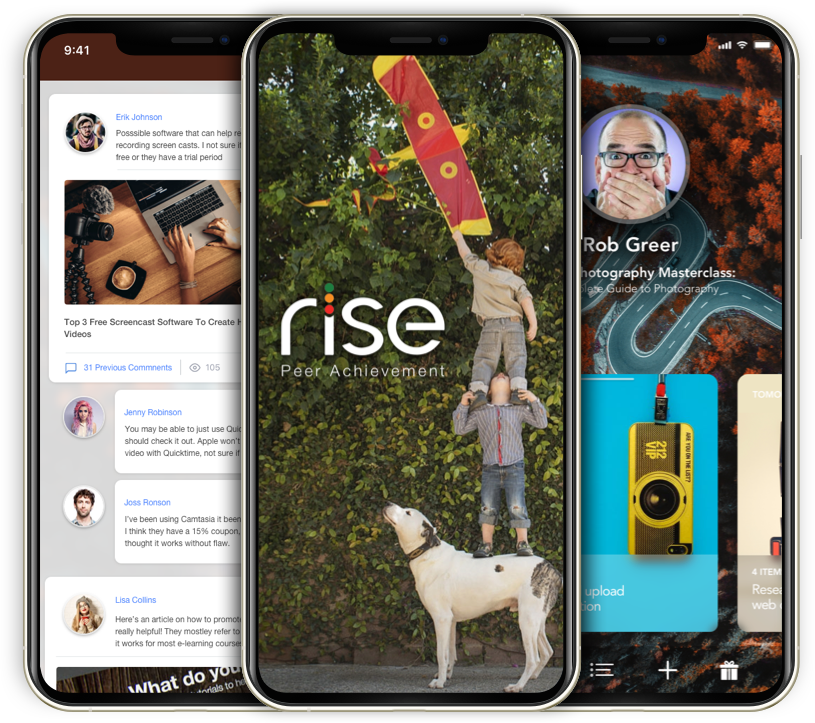

iOS Native App
Overview
As a new year unfolds, it's natural to envision a fresh start and set resolutions. Perhaps one of your aspirations is to master the art of playing the guitar. Consider reallocating some of your social media time toward pursuing your musical dreams. However, the question remains – where to begin?
Enter the RISE app, specifically designed to tackle one of the most formidable challenges in learning anything: taking that initial step. With RISE, embarking on your journey becomes seamless. The app serves as your guide, aiding in the commencement of your endeavors and connecting you with a mentor who can provide guidance. Moreover, RISE ensures you remain committed to your objectives, fostering an environment where your aspirations are transformed into tangible accomplishments.
My role
A successful product is built on a foundation of a dependable design process. By segmenting the project into manageable sections, the design team can meticulously outline the necessary steps for accomplishing each facet.
This design process transcends the boundaries of scale – proving invaluable not only for global product development but also on a micro-level when intricately crafting graphics and interactions.
Diverse approaches can be harnessed to navigate this process effectively.
Tools for the job


iOS Native App
Overview
The beginning of a new year, and like every year you’ve probably set a list of resolutions. One of the resolutions on your list may be to learn to play the guitar? You likely can take some of that social media time and relocate it to your guitar dreams.
But how to start?
The RISE app is meant to solve the most difficult problem learning anything, starting. RISE can help you not only start but find a mentor and hold you accountable so you can achieve your goals.
My role
The successful product starts with a reliable design process. Breaking the project into manageable sections allows the design team to define the steps needed to accomplish each section.
The design process is indispensable on a global product level. The application of the same process is also handy on a micro-level when designing graphics and interactions. There are a number ways you can approach this process. I have used the following to great success.
Tools for the job
How We Got There
Create an app based tool for reaching any goal and improve your life. The brief of the client was to create a interaction flows for an app and supporting website, with the following points in mind:
The Challenge
- The interface has to break to rules of boring calendar and scheduling interfaces.
- Users must be able to upload media (photos, videos, web links, etc.) seamlessly without affecting the ongoing activity stream.
- Users should able to shift easily between several direct messages easily.
- It has to be unique, also it has to solve the complex UX problems of a project management, scheduling, progress tracker, wrapped inside a personal social network.
I’m pretty much use my phone vs desktop as much as possible. While there are a few disadvantages, it also allows me to have a deeper understanding of complex UX problems, which are not obvious when we’re using a laptop. My odd little dream is to design everything on an iPad. Many advances have been made in the 10 years since the first iPad but I don’t think tablets are a functional option just yet.
You must be familiar with the feeling of anxiety when trying to start something new. Where do I start? I might not be as good at planning as I think I am. Which people the have the knowledge to help me and will they mind if I bother them? How long is this going to take? What if I get stuck? What if I lose motivation?
If you actually do get started, you’ll probably be e-communicating most of the time, with the friends or colleagues who were gracious enough to be enlisted in your own little self centered help group. Detailed e-communication with the current product offerings of calendars, meeting schedulers, email attachments, random Slack channels, is stressful and confusing. Obviously not an ideal situation under the best circumstances.
Then imagine, one of your friends or colleagues has an idea they want to get the groups opinion on. This could slide right into utter chaos. Some sort of individual message timeline for each participant would facilitate a more cohesive interaction.
Defining Key Pain Points
So we have a few key pain points to solve:
- How to reduce the feeling of anxiety starting something new.
- How to create cohesion across scheduling, messaging, and project management.
- How to silo individual goals while allowing access for group discussions.
Execution: Design
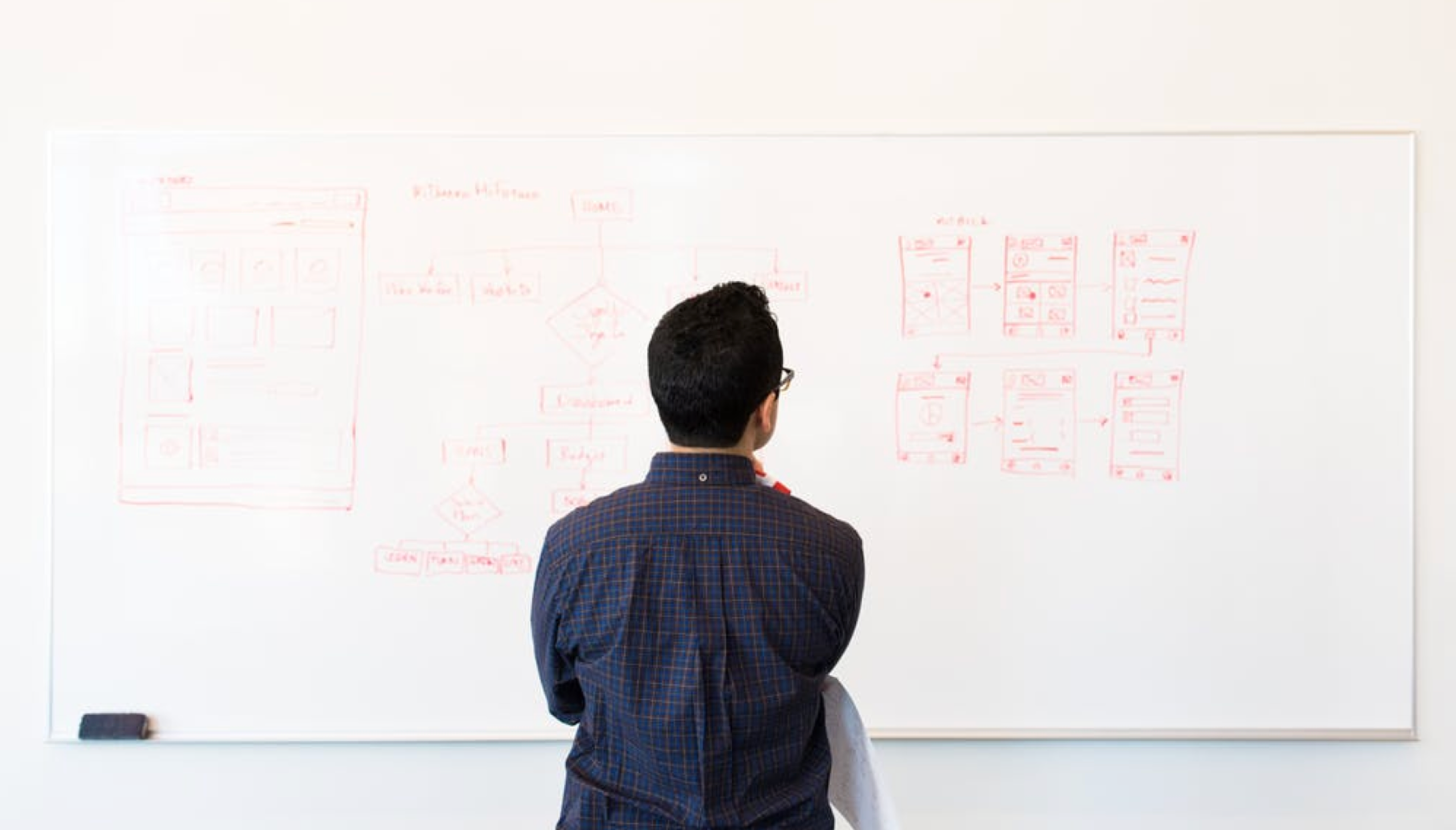
Demonstrating the solution for this problem will definitely require an animated prototype, but before jumping to the prototyping phase, I always start designing in Sketch. Sketch is very efficient in creating both wireframes and user interface.
Reducing the feeling of anxiety:
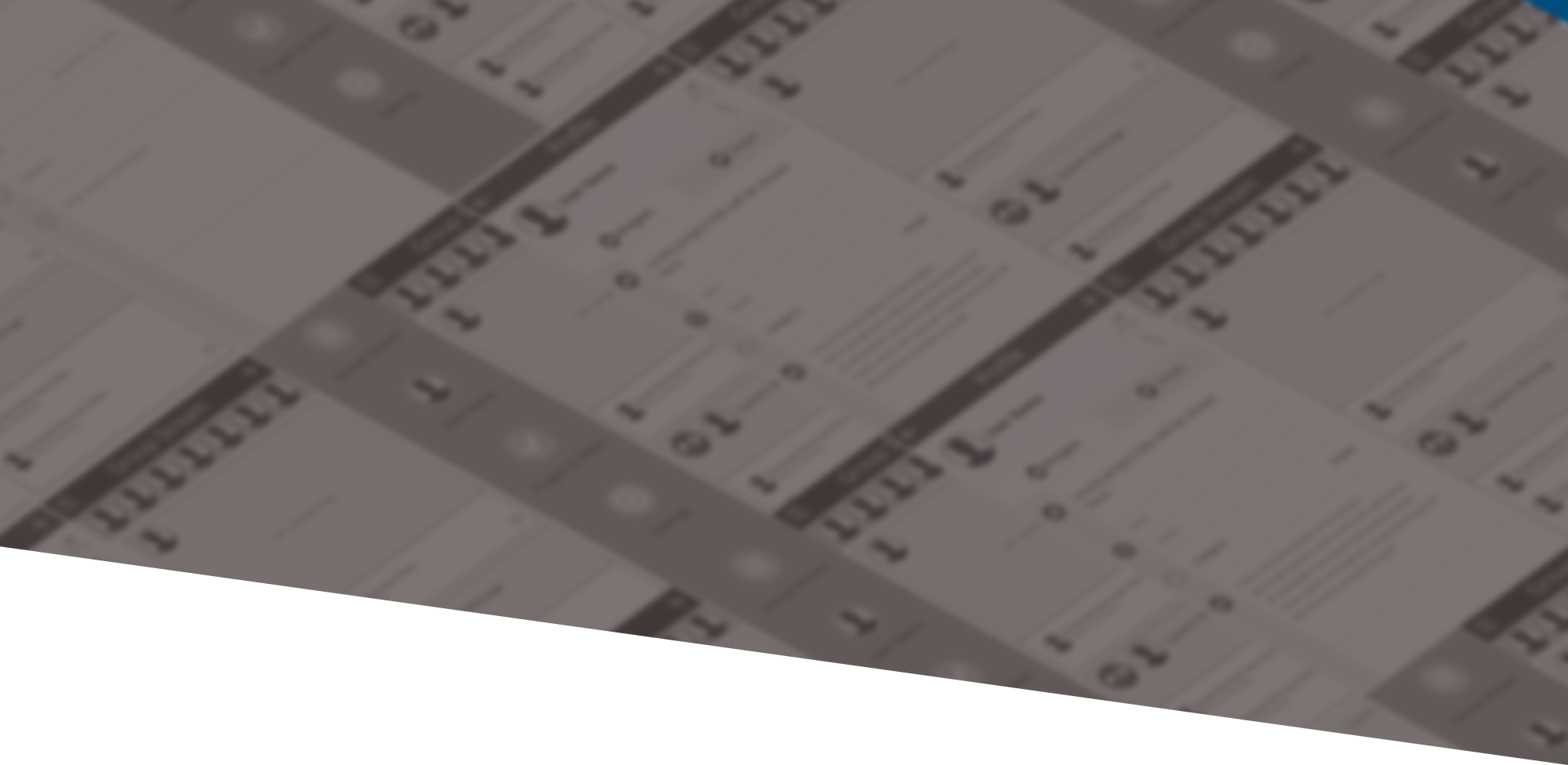
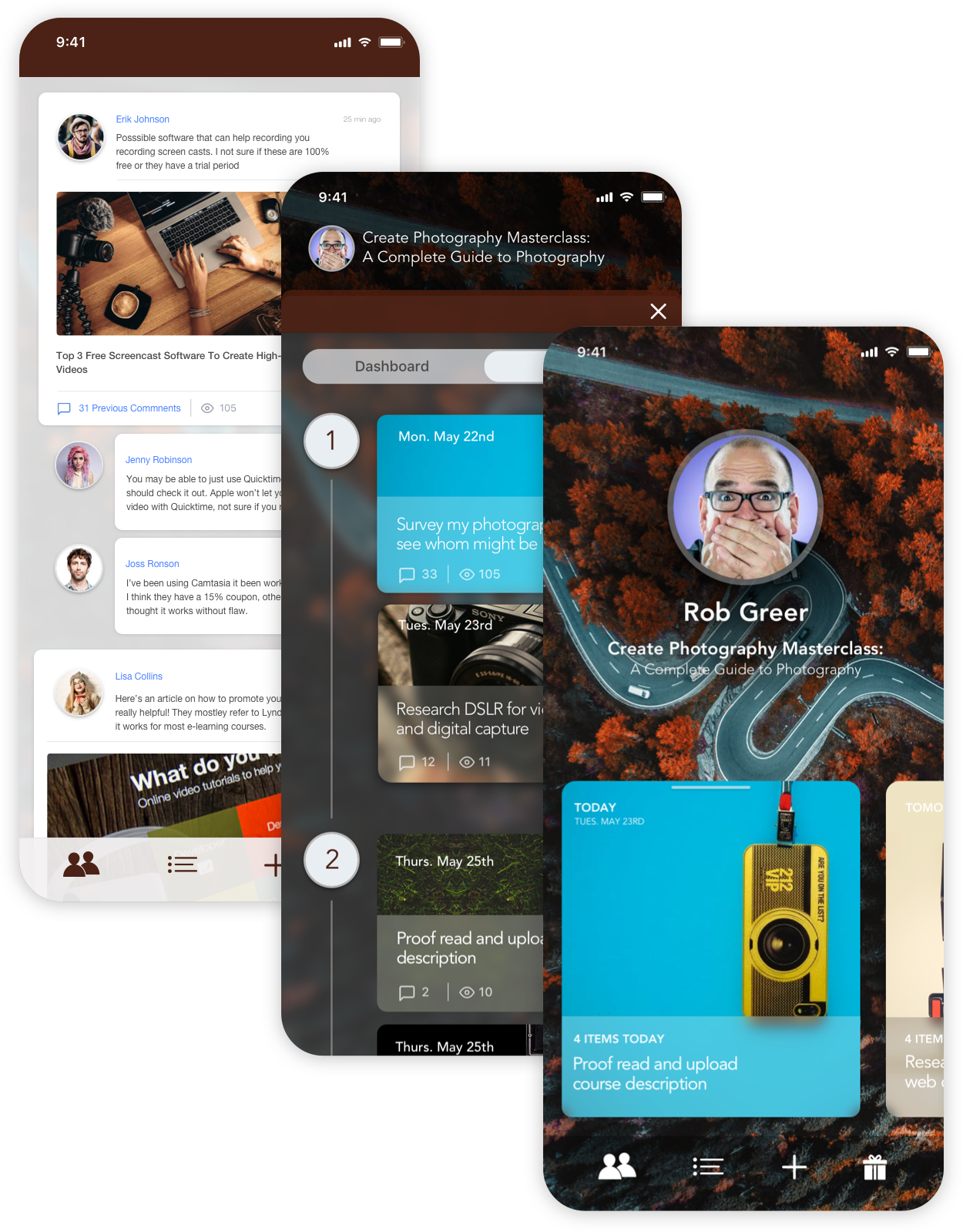
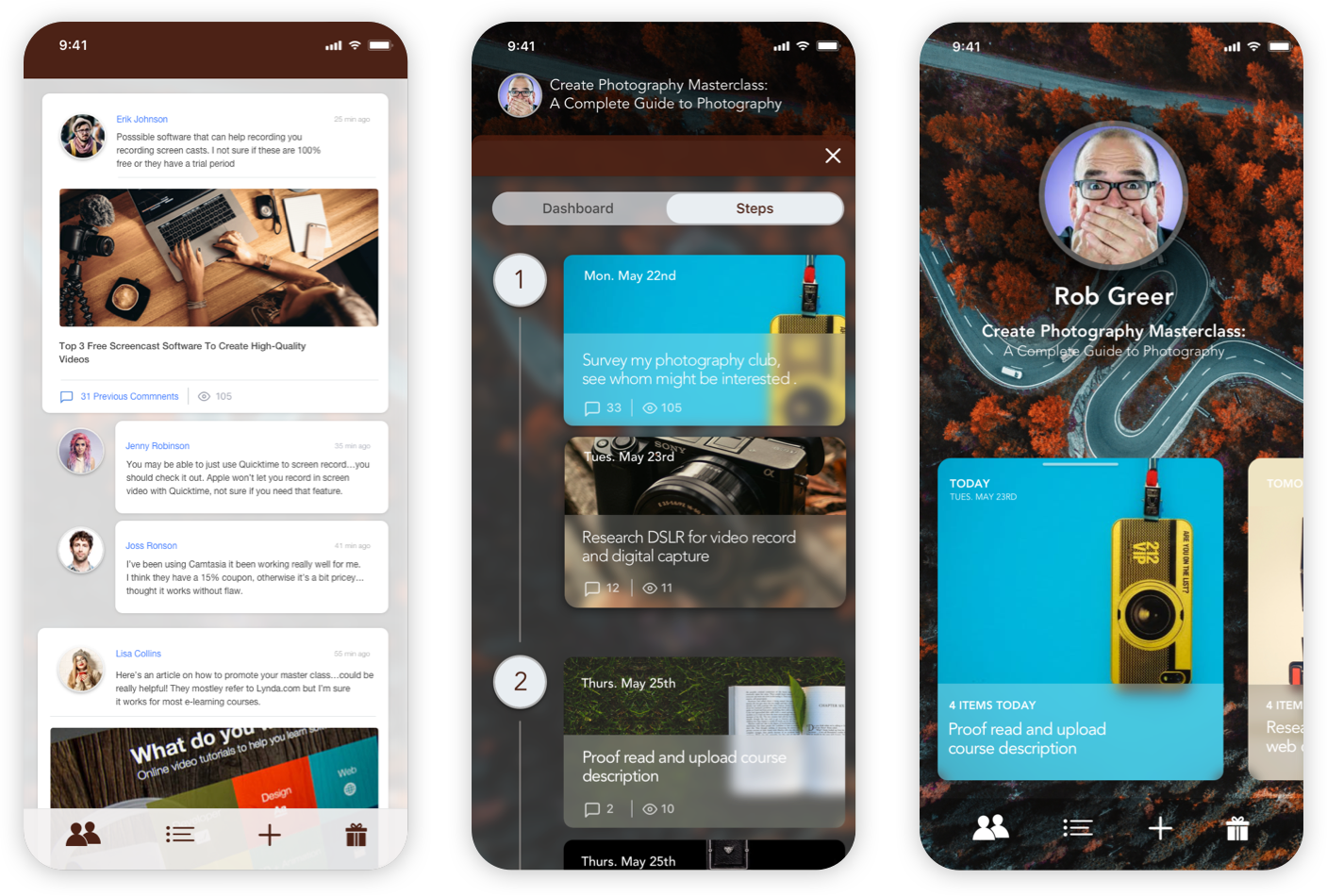
During the design process, my goal was to create a familiar look and feel to the interfaces of the most popular social network applications most people use today.
I didn't want to create an entirely new interface, which looks and feels alien to the potential user since that would make it harder to process and notice the small details.
Creating a familiar interface:
I combined user patterns of the most popular social media and project management applications: Facebook, Messenger, and Slack in a visually pleasing and non-distractive way.
Focusing on individual goals:
Execution: Prototyping
Only more complex interactions required prototyping. From high fidelity visuals, I built Looks Like; Works Like; Concept interactive animations. Essentially Form and Function testing, interaction prototypes that look and feel complete (but do not function).
My goal with these interactions was to use short, quick, and playful animations to create a fast, responsive, and reliable feedback of the overall interface.

This project was very motivating for me. It allowed me to work with great founders and implement a UX design process for our team.
Using an iterative method continuously improves and polish each stage design. Welcomed involvement of relevant stakeholders in and contributing to the design process, produced a clear and highly efficient, user experience.
We learned. Some lessons came from our success; however, the considerable bulk of learning came from our failures, not catastrophic or fatal product or development failures, but gaps in our design process. We identified those gaps and found solutions, and further refined our process moving forward.
And always...Be kind; everyone will hate you if you're a miserable co-worker. Listen to your team members; their perspective is valuable. Finally, work with focus and empathy; the design work is hard work.
Take aways
Downtown, Los Angeles, CA
P 650 787 1764
E. Adam@acwcreative.com


All rights reserved. All wrongs reversed